
Blog
Insights on Web Design, Website Management, SEO, Marketing, Advertising & Lead Generation.

Website Trust Signals for Local Service Pages: Proof, Details, and Next Steps
Local service pages earn calls when trust is visible early. Traffic can land, but leads stall if proof arrives after the visitor has already looked elsewhere.
Reviews should name the exact service and area. Clear contact details, service area, real project photos, and relevant credentials help more than generic badges or stock images.
We pair local proof with next step clarity near the contact action. Studiosight helps service pages connect visibility, traffic, and lead capture so decisions move forward. Read more for a practical trust checklist.
Website Maintenance vs Hosting: What Business Owners Actually Need
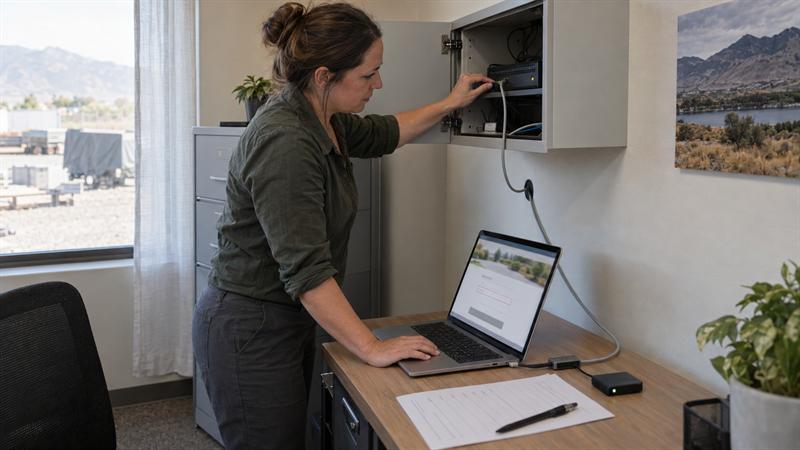
Website hosting keeps your site online, but it does not mean your website is being maintained. Hosting gives your site server space, bandwidth, uptime, and basic infrastructure. Maintenance is the ongoing care that keeps updates, backups, form checks, troubleshooting, and search visibility working over time.
If your website depends on calls, quote requests, ads, or local search, ask who owns each part of the setup. Vague managed hosting can leave gaps that slow pages and reduce lead capture.
Read more to check what your website maintenance plan actually covers.
Website Maintenance vs Hosting: What Business Owners Actually Need
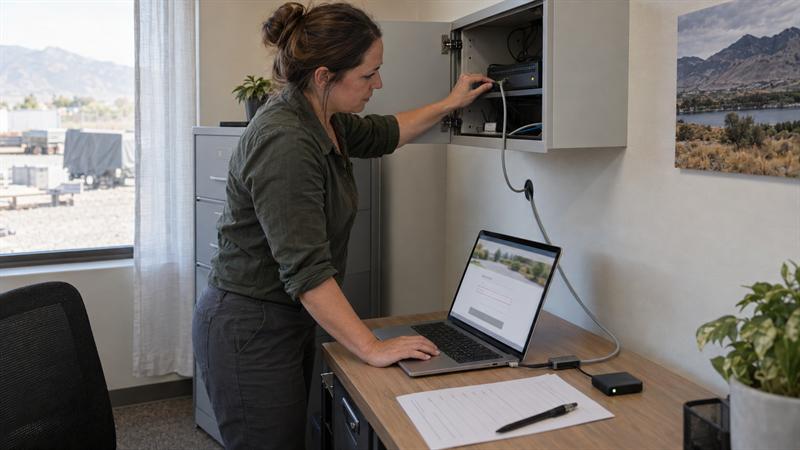
Website hosting keeps your site online, but it does not mean your website is being maintained. Hosting gives your site server space, bandwidth, uptime, and basic infrastructure. Maintenance is the ongoing care that keeps updates, backups, form checks, troubleshooting, and search visibility working over time.
If your website depends on calls, quote requests, ads, or local search, ask who owns each part of the setup. Vague managed hosting can leave gaps that slow pages and reduce lead capture.
Read more to check what your website maintenance plan actually covers.

Local SEO Audit Checklist: How to Review Your Business Profile, Website, and Citations
Your local search setup is an ongoing system, not a one-off task. If your Google Business Profile, website, citations, and reviews are not aligned, local visibility can stall even when you are still working on SEO.
Start with the basics. Check that your business name, address, and phone match across major listings. Make sure the right service category leads your profile. Review location pages, service pages, and reviews for the areas you actually want to win.
At Studiosight, we often see strong visibility followed by weak lead capture. Calls, forms, and page behavior need tracking. If local pages get visits but few opportunities, the problem is usually after the click.
Read the full local SEO audit checklist for a practical way to find what is breaking down.

Local SEO for Service-Area Businesses: How to Rank Nearby Without Duplicate City Pages
Local SEO for service-area businesses is not about adding a page for every city. It is about building a lead system that supports nearby visibility with clear service pages, accurate coverage, and local proof.
If you work in nearby cities but still show up mainly in your main area, the issue is often structure, not effort. Thin city pages, unclear service coverage, or a profile that does not match the website can keep rankings patchy.
The better path is to strengthen core service pages first, use service-area sections for nearby locations, and track calls, form submissions, and Google Business Profile actions. When those systems align, nearby traffic becomes easier to turn into qualified leads.
Read the full post for more practical local SEO takeaways.

Website Conversion Audit for Service Websites: A Step-by-Step Checklist
A website can get traffic and still miss leads. A service website conversion audit checks the path from first visit to received inquiry. It helps you find where visitors fall out before adding more traffic or redesigning the page.
For local service businesses, the audit looks at visitor fit, page clarity, contact options, tracking, and inquiry delivery. We test mobile and desktop paths, verify forms, phone links, and booking tools, and confirm the inquiry reaches the right person. We separate traffic mismatch, website friction, and lead-handling failures.
We prioritize verified blockers first, then retest affected paths after changes. That keeps lead capture working through ongoing updates.
Read the full checklist.
How to Turn Website Traffic Into Leads (Without Increasing Traffic)
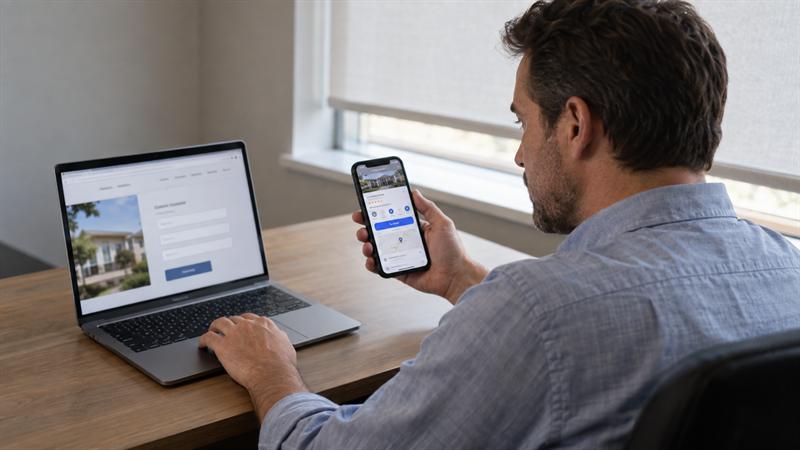
Your website may get traffic and still not earn calls, forms, or bookings. The problem is usually the path between the visitor’s search and the first contact action. The fix is not always more traffic. It is finding where the path leaks.
Start with the page that already ranks. Does the headline match the service and area the visitor is searching for? Is the phone number visible on a phone screen? Does the form ask only for name, phone, and service? Small changes can reduce friction and help the visitor take the next step.
Also check the local signal. A Google Business Profile that disagrees with the website can create doubt at the moment of contact. Add clear service area, availability, and a specific review near the form or call button. When the page, profile, and follow-up line up, you can attract better opportunities from the traffic you already have.
Read more to see how to audit your lead path and repair the break before your next quarter of spend.
Internal Linking for SEO: Real Examples and Structures That Work
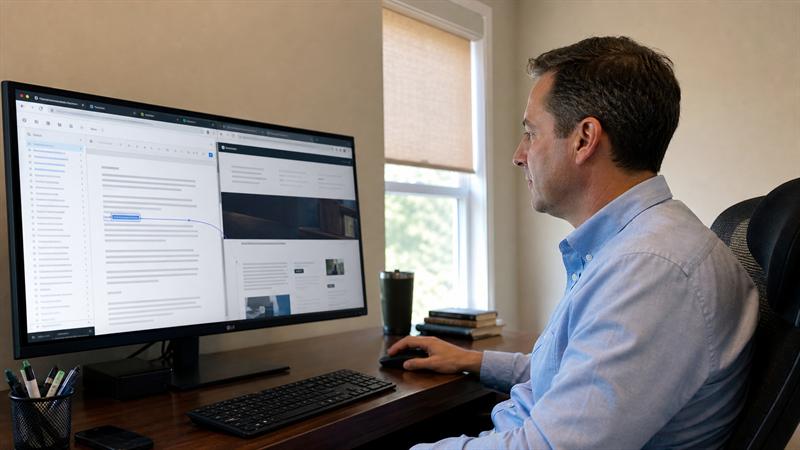
Is your website content making it easy for visitors to take the next step? Internal linking isn’t just about adding more links. It’s about creating clear paths between your blog posts and service pages so readers know exactly where to go next, and search engines understand which pages matter. The result is a more connected website that keeps people moving toward your services.
One common mistake? Publishing new articles without linking to them from older content, which leaves helpful resources isolated and harder to find. A quick fix is to review your older posts and add contextual links that answer a reader’s next logical question. Different sites need different structures. The article covers real examples for service businesses, blog-led topic clusters, and ecommerce catalogs.
Start by mapping one priority service area and finding the missing connections. When internal links support a clear site structure, your content becomes easier to discover and easier to use.
Read the full article for real examples and practical structures you can apply today.

What Makes a Website High-Converting? Design, Structure, and Messaging Explained
A high-converting website does more than attract visitors. It turns qualified traffic into calls, quotes, bookings, and sales. If your site is getting visits but not leads, the problem is often a broken conversion path.
Visitors decide fast. They need to know if you’re relevant, what you offer, why to trust you, what to do next, and how easy it will be. Make those answers obvious on every important page.
Match your landing pages to the ads and searches that send people there. Keep one clear call to action. Ask for only the information you actually need. Small fixes can make a big difference.
Read the full article to see where your conversion path may be breaking.